Build a Chat Interface for Any LLM with Gradio in 30 Minutes
Wrap Claude, GPT-5.5, or a local Ollama model in a streaming chat UI using Gradio 5.x and ~30 lines of Python. Tutorial includes Hugging Face Spaces deploy.
What this tutorial builds
A working chat web app for any modern LLM, in roughly 30 minutes
of typing. The finished app streams tokens as the model generates
them, keeps the full conversation in context, exposes a public
gradio.live URL for sharing, and deploys to Hugging Face Spaces
with one git push. Total Python: about 30 lines.
Gradio is the prototype-fastest path here. Its ChatInterface
component 1 is purpose-built for chat apps, so
the developer never writes message-bubble CSS, scroll-to-bottom
logic, or a textarea handler. Compared with a FastAPI backend plus
a separate React frontend, Gradio collapses the same surface area
into a single Python file. Streamlit works for dashboards but
lacks a first-class chat primitive, so a chat-first UI takes more
plumbing there.
The tutorial uses Claude Sonnet 4.5 as the default backing model. Swapping to GPT-5.5 or a local Ollama model is a two-line change at the end.
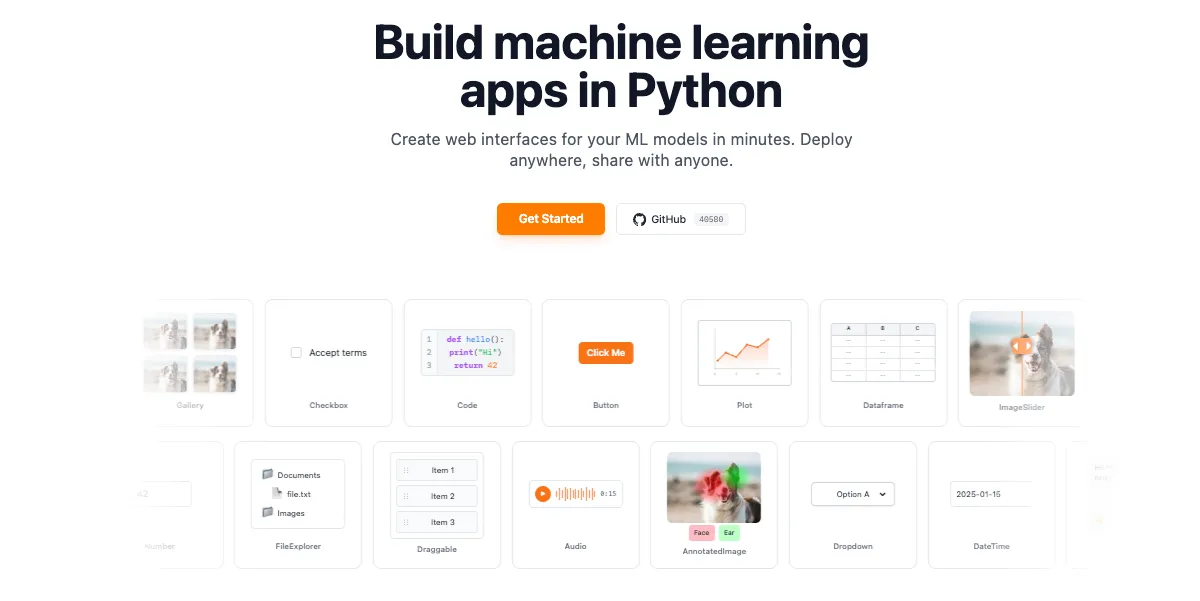
Image: gradio.app homepage, captured 4 May 2026, used for editorial coverage of the framework.
Prerequisites
- Python 3.10 or newer.
- One of: an Anthropic API key, an OpenAI API key, or a local
Ollama install with a model pulled
(
ollama pull llama3.2works on a laptop with 8 GB RAM). - Basic comfort with
pipand a terminal.
A virtual environment is recommended, not required:
python -m venv .venv
source .venv/bin/activate # Windows: .venv\Scripts\activate
Step 1: Install Gradio and an LLM client
Gradio ships on PyPI. The Anthropic and OpenAI SDKs are separate packages.
pip install 'gradio>=5.0,<6.0' anthropic openaiThis tutorial targets the Gradio 5.x release line 2
explicitly. Gradio 6.0 shipped in November 2025 and introduced
breaking changes to gr.ChatInterface: message content is now
always a list of content blocks (e.g.
{"role": "user", "content": [{"type": "text", "text": "Hello"}]})
rather than a simple string. The code samples below use the 5.x
simple-string format, so the version pin is load-bearing. Forward-
porting to 6.x is on the to-do list once the migration patterns
settle; the Gradio 6 Migration Guide
documents the breaking changes if you want to skip ahead.
Older guides referencing gr.Chatbot directly still work in 5.x,
but gr.ChatInterface is the higher-level primitive and the
recommended starting point.
Set the API key as an environment variable. Never hardcode it.
export ANTHROPIC_API_KEY="sk-ant-..."
# or
export OPENAI_API_KEY="sk-..."
Step 2: Define the chat function
gr.ChatInterface expects a function that takes the user message
plus the running history, and either returns a string or yields
chunks for streaming. Streaming is what makes the UI feel
responsive, so the tutorial uses yield from the start.
# app.py
import os
from anthropic import Anthropic

client = Anthropic(api_key=os.environ["ANTHROPIC_API_KEY"])

def chat(message, history):
 # history is a list of {"role": "...", "content": "..."} dicts
 # because we set type="messages" in ChatInterface below.
 messages = history + [{"role": "user", "content": message}]

 with client.messages.stream(
 model="claude-sonnet-4-5",
 max_tokens=1024,
 messages=messages,
 ) as stream:
 partial = ""
 for text in stream.text_stream:
 partial += text
 yield partial
Three things to notice. First, the function yields the cumulative
string each time, not just the new chunk. Gradio renders the full
yielded value, so accumulation happens on the Python side. Second,
history is already in OpenAI-style message format because of the
type="messages" flag in the next step. Third, the API key is
read from the environment, not embedded in code.
Step 3: Wrap in gr.ChatInterface
This is the whole UI.
import gradio as gr

demo = gr.ChatInterface(
 fn=chat,
 type="messages",
 title="Chat with Claude",
 description="Streaming chat powered by Claude Sonnet 4.5.",
 examples=[
 "Explain transformers in three sentences.",
 "Write a Python function to reverse a linked list.",
 ],
)

if __name__ == "__main__":
 demo.launch()
type="messages" is important. It tells Gradio to pass history as
a list of role/content dicts 3 , which matches
what every modern LLM API expects. The legacy default was a list
of (user, assistant) tuples. Setting the type explicitly makes
the function portable across providers.
Image: Gradio’s Creating a chatbot fast guide, captured 4 May 2026, used for editorial coverage of the ChatInterface API.
Step 4: Run it locally and share
python app.pyThe app opens at http://127.0.0.1:7860. To expose a public URL
for a colleague to test, change the launch line:
demo.launch(share=True)Gradio prints a temporary *.gradio.live link that stays active
for 72 hours, per Gradio’s “Understanding Gradio Share Links”
guide as of 5 May 2026 7 . The traffic is
tunnelled through Gradio’s relay, which is fine for demos but not
for production. The public URL inherits whatever auth the local
app has, so add auth=("user", "pass") to launch() for a quick
gate.
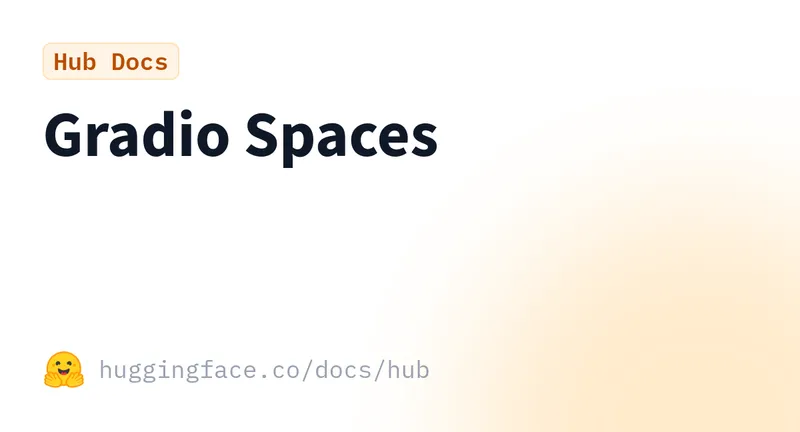
Image: Gradio documentation home, used for editorial coverage of the launch options demonstrated in this step.
Step 5: Add system message and conversation memory
Memory comes for free — history is the full transcript. To pin
a system prompt, prepend it before the API call:
SYSTEM = (
 "You are a careful, concise technical assistant. "
 "Cite sources when uncertain."
)

def chat(message, history):
 messages = history + [{"role": "user", "content": message}]

 with client.messages.stream(
 model="claude-sonnet-4-5",
 max_tokens=1024,
 system=SYSTEM,
 messages=messages,
 ) as stream:
 partial = ""
 for text in stream.text_stream:
 partial += text
 yield partial
For OpenAI-compatible endpoints (GPT-5.5 and Ollama both expose
this 4 ), the system message is a regular
message at index 0 with "role": "system".
To swap in a local Ollama model, point the OpenAI client at
http://localhost:11434/v1:
from openai import OpenAI

client = OpenAI(base_url="http://localhost:11434/v1", api_key="ollama")

def chat(message, history):
 messages = [{"role": "system", "content": SYSTEM}] + history + \
 [{"role": "user", "content": message}]
 stream = client.chat.completions.create(
 model="llama3.2",
 messages=messages,
 stream=True,
 )
 partial = ""
 for chunk in stream:
 delta = chunk.choices[0].delta.content or ""
 partial += delta
 yield partial
Same gr.ChatInterface wrapper, no changes to the UI layer.
Step 6: Deploy to Hugging Face Spaces
Hugging Face Spaces 5 hosts Gradio apps for
free on a CPU tier, which is enough for any app where the LLM
runs via API rather than locally. The deploy is git push.
- Create a new Space at huggingface.co/new-space, select the Gradio SDK, pick the free CPU hardware tier.
- Clone the empty Space repo:
git clone https://huggingface.co/spaces/<your-username>/<space-name>
cd <space-name>- Add
app.pyand arequirements.txt:
gradio>=5.0,<6.0
anthropic-
Set the API key as a Space Secret in the Settings tab. Gradio reads it from the environment at runtime.
-
Commit and push:
git add . && git commit -m "Initial deploy"
git push
The Space builds in ~2 minutes and the public URL goes live.
Image: Hugging Face Spaces — Gradio SDK documentation, used for editorial coverage of the deploy flow demonstrated in this step.
Common pitfalls
- Streaming yields one chunk only: ensure the function uses
yield, notreturn. A singlereturnat the end of the generator breaks the streaming render. - Token limit exhaustion on long conversations:
historygrows every turn. For chats past 20-30 turns, truncate older messages or summarise before sending. Anthropic’s context window is 200K tokens; OpenAI’s varies by model. - API key leaks: never commit
.envfiles. Use Space Secrets in deployment, environment variables locally. - Spaces resource limits: the free CPU tier has 16 GB RAM and
no GPU. API-backed chats fit fine; local model inference does
not. For local models, run on a workstation with
share=Trueinstead of deploying. - CORS errors with
share=True: the relay link is origin-agnostic, but mixed-content blocking on HTTPS pages embedding agradio.liveiframe can still bite. Open the.gradio.liveURL directly to test.
Where to go next
Image: Gradio on GitHub, used for editorial coverage of the components and feature surface area referenced here.
The same ChatInterface accepts multimodal=True for image and
file uploads 6 , and the additional_inputs
parameter lets the user adjust temperature, model, or system
prompt from the UI. Custom themes are a one-line change via
theme=gr.themes.Soft() or any of the built-in options.
For production, swap share=True for a proper deployment surface
— Hugging Face Spaces for prototypes, a Docker image on a VPS for
anything with traffic. The Gradio docs cover both paths.
The 30-minute version is the foundation. Everything past it is configuration.
How this article was made: an autonomous AI pipeline researched, drafted, fact-checked, and reviewed this piece, aggregating publicly-available information from the sources consulted below. AI (artificial intelligence) can make mistakes, so please cross-check the consulted sources before acting on anything here. Neural Tech Daily is not liable for decisions or outcomes based on this article.
Sources consulted
Cited Sources
- 1. Gradio guide — Creating a chatbot fast (ChatInterface API reference and quickstart) (accessed ) ↩
- 2. Gradio releases on GitHub — 5.x stable line at writer-time; 6.0 shipped November 2025 with breaking ChatInterface content-block changes; the Gradio team is prioritising 6.x for future maintenance (see [Gradio 6 Migration Guide](https://www.gradio.app/guides/gradio-6-migration-guide) for forward-port patterns) (accessed ) ↩
- 3. Gradio docs — ChatInterface (type="messages" parameter and OpenAI-style history format) (accessed ) ↩
- 4. Ollama OpenAI-compatibility documentation (chat completions endpoint at /v1/chat/completions) (accessed ) ↩
- 5. Hugging Face Spaces — Gradio SDK documentation (free CPU tier, git-push deploy, Secrets) (accessed ) ↩
- 6. Gradio docs — ChatInterface multimodal=True parameter for image and file uploads (accessed ) ↩
- 7. Gradio guide — Understanding Gradio Share Links (72-hour share-link duration as of 5 May 2026) (accessed ) ↩
Further Reading
- Gradio docs — official documentation home (accessed )
- Gradio GitHub repository (accessed )
- Hugging Face Spaces — deploy Gradio apps for free (accessed )
- Anthropic Python SDK — streaming messages (accessed )
- OpenAI Python library — chat completions streaming (accessed )
- Ollama — local LLM runtime, OpenAI-compatible API (accessed )
- Gradio 6 Migration Guide — breaking ChatInterface changes (accessed )
Anonymous · no cookies set